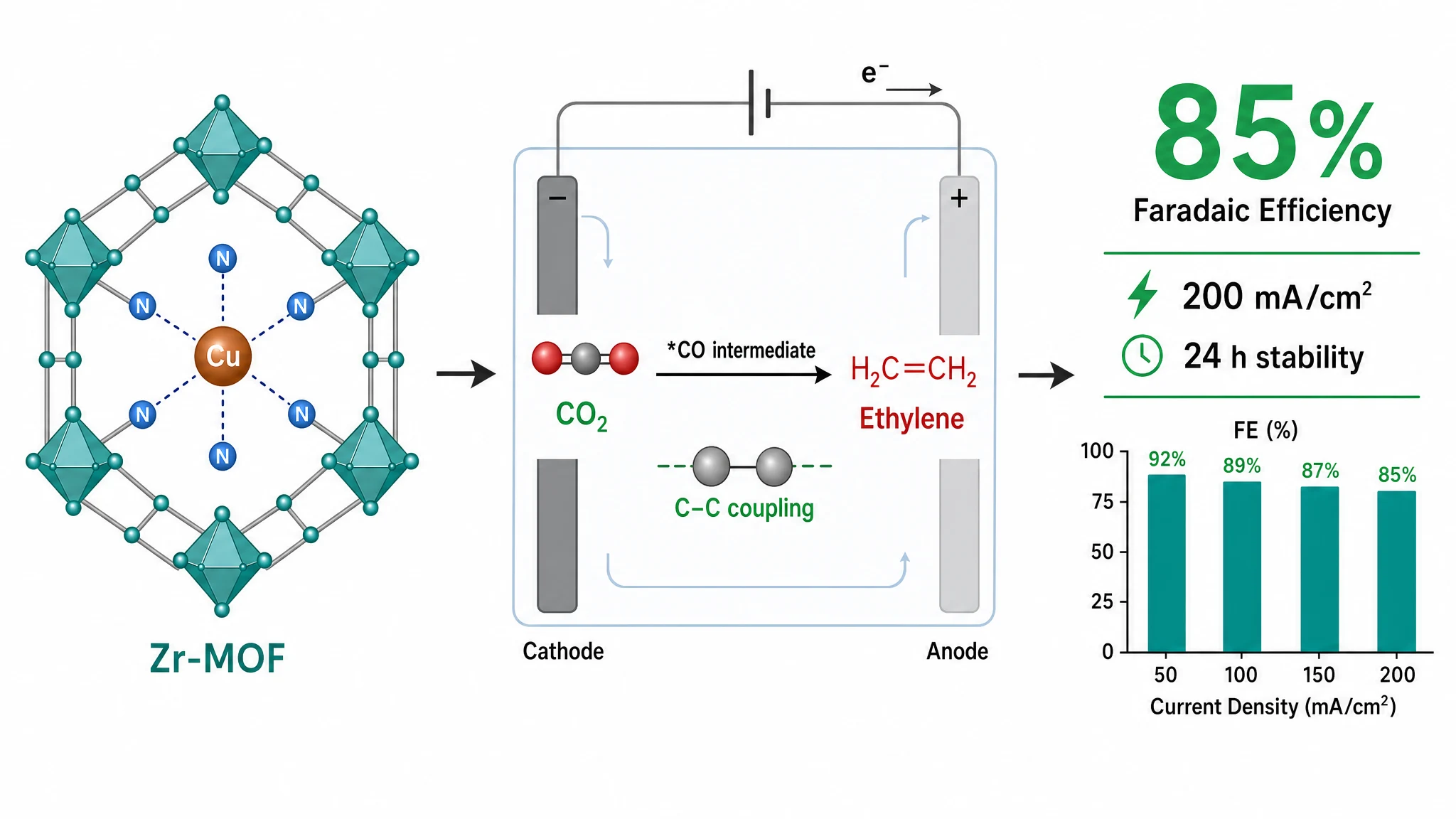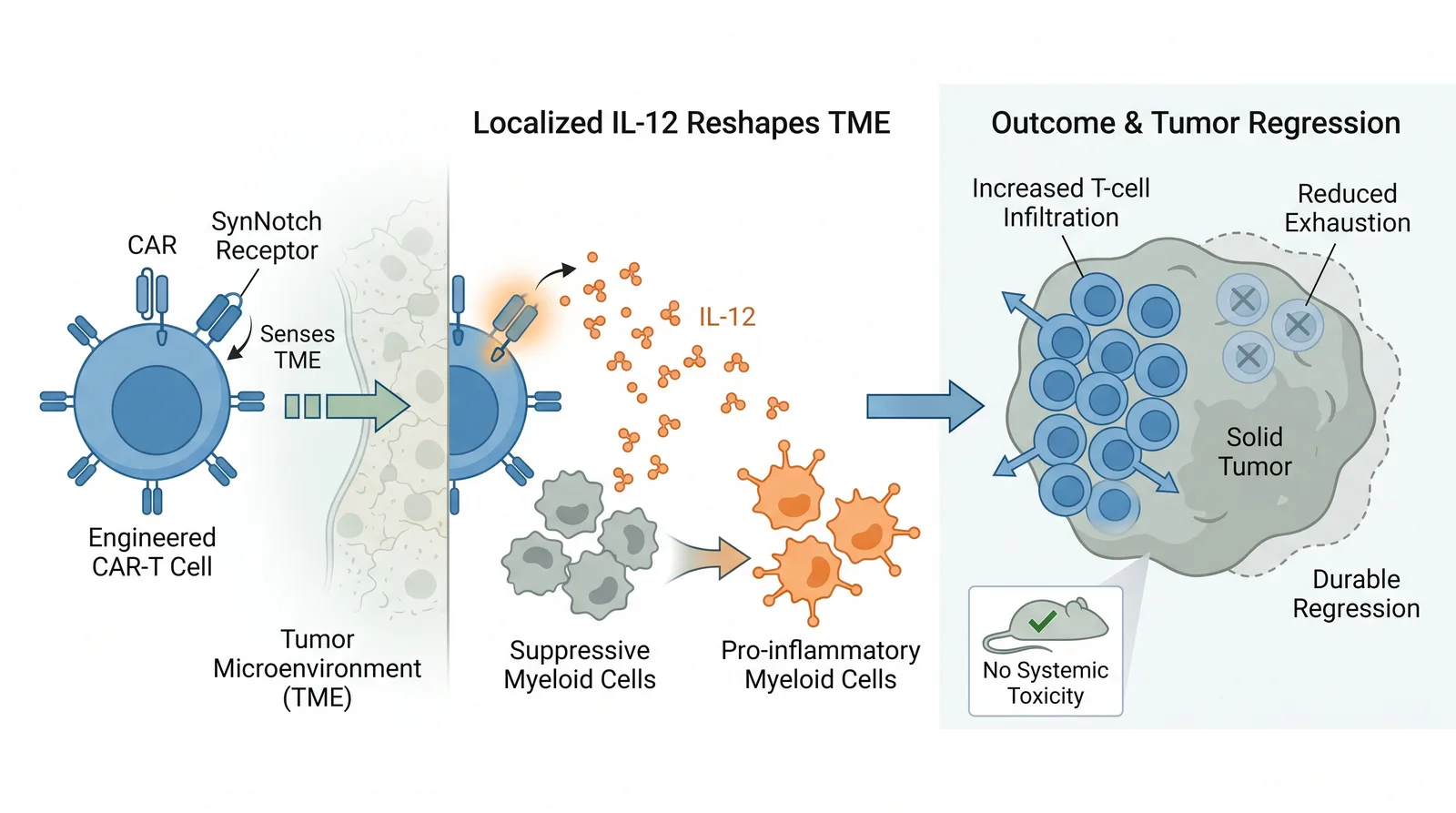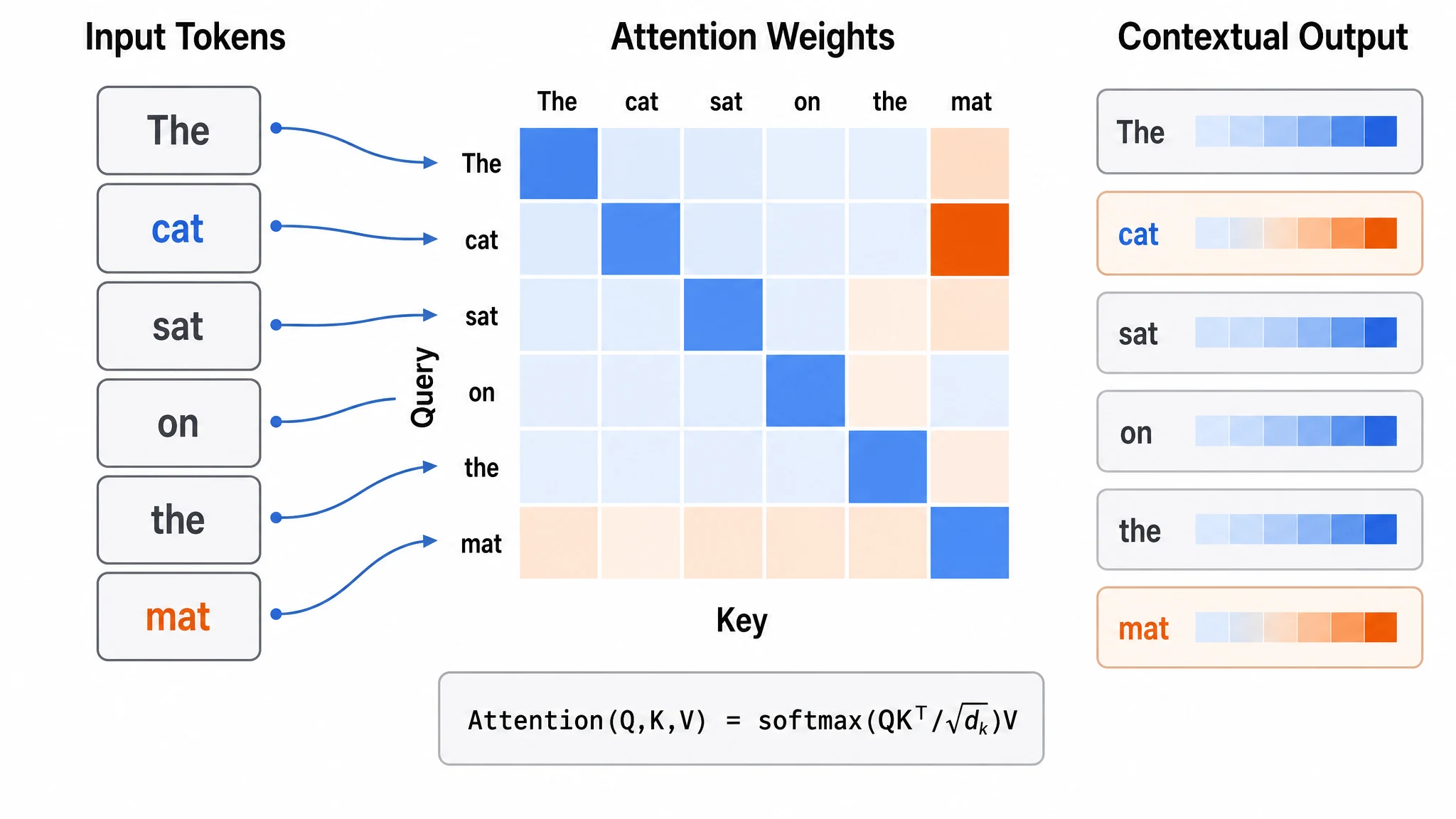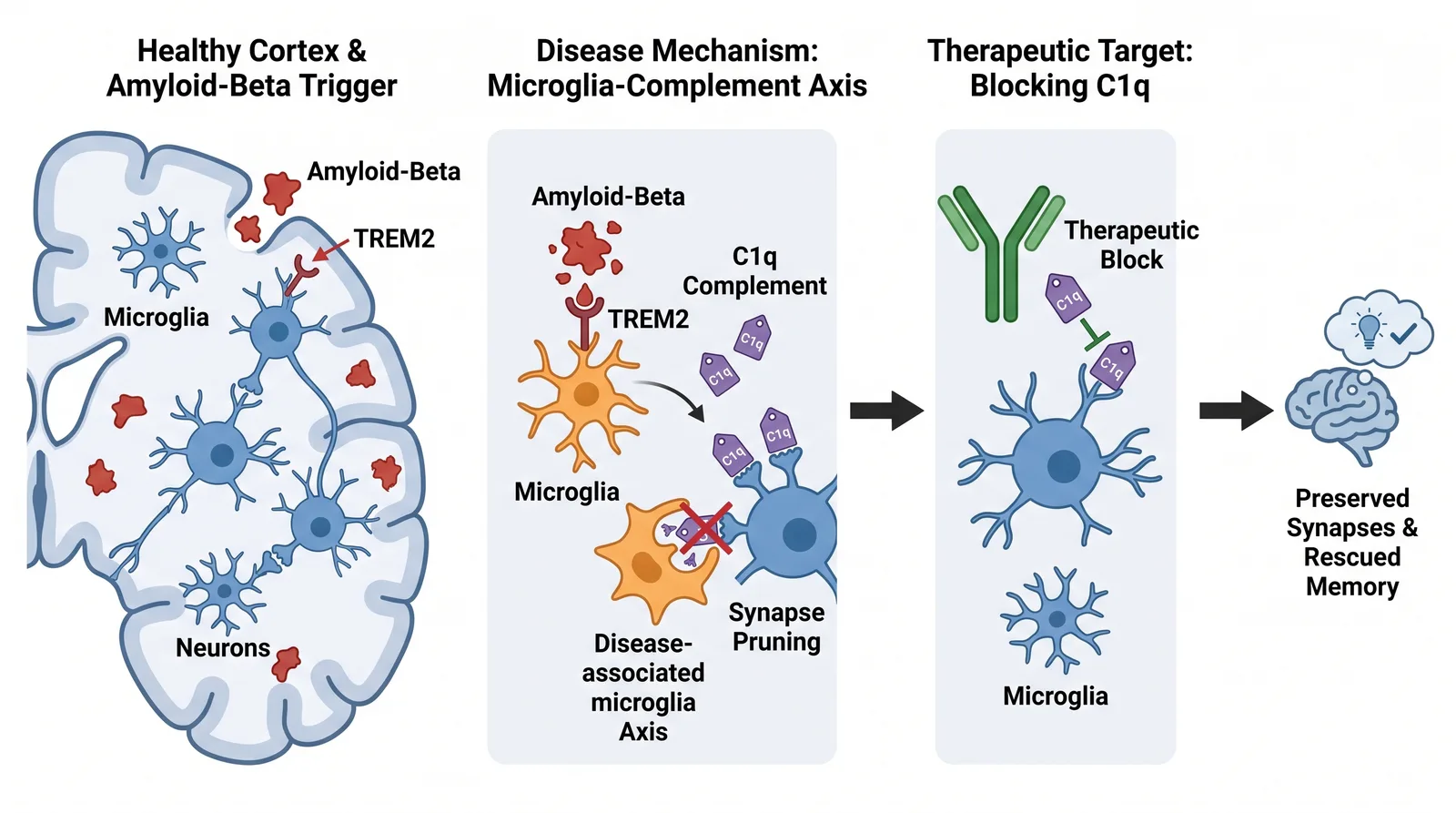
Nature requires graphical abstracts at 180×120 mm, 300 DPI, RGB color space, with TIF or PNG output. Getting the dimensions wrong means desk rejection before an editor even reads your abstract. Graphab bakes these specs into the editor so you never think about them — pick the journal and the canvas is correct from the start.
After logging in, select Nature from the journal dropdown. The editor canvas immediately sizes to 180×120 mm at 300 DPI. You will see a blank workspace with toolbar options on the left.
Graphab offers three layout templates: Flow, Main Figure, and Center Tab. For a Nature graphical abstract, the Flow layout works well for sequential processes — signaling pathways, experimental workflows, or mechanistic models. The Main Figure layout suits a central finding with supporting details around it. Pick whichever fits your paper's narrative structure.
Each template comes with pre-configured zones. Every zone is either a text zone (for labels, annotations, short descriptions) or an image zone (for diagrams, charts, microscopy, illustrations).
This is where most researchers spend hours in Illustrator. Graphab gives you three ways to populate each image zone:
Option A — upload an existing image. Drag your prepared figure, chart, or micrograph directly into the zone. Graphab accepts common image formats and places it at the correct resolution.
Option B — upload a hand-drawn sketch. If you have a rough layout on paper, take a photo and upload it. Graphab's AI analyzes the sketch and generates a structured, publication-ready version in the zone.
Option C — describe what you want. Each image zone has an "AI Generate Image" button. Click it, type a description — for example, "a simplified diagram of the mTOR signaling cascade with mTORC1 and mTORC2 branches, downstream effectors labeled" — and the AI generates the image via SSE streaming. You see it build in real time. If the result is not exactly right, refine the description and regenerate.
Every image zone supports Option C. You can generate all visuals by describing them.
Click into any text zone and press the AI Draft button. Graphab sends the zone context to the AI and returns three text suggestions, each with a style label — concise, explanatory, or narrative. Read through them and pick the one that fits. You can edit it afterward.
This is faster than staring at a blank text field, especially for figure labels and callouts where wording needs to be precise but the content is already clear in your head.
Look over all zones. Make any adjustments — move things, tweak text, regenerate an image zone if needed. When satisfied, click Export. Graphab produces an 180×120 mm, 300 DPI TIF or PNG file ready for submission.
New accounts include free starter credits to try Graphab. Editing and saving your design are free; generating each figure uses credits based on resolution.
The typical workflow — Illustrator template → place figures → manually draw diagrams → label everything → check dimensions → export with correct settings — takes 2–4 hours for someone comfortable with the tools. Graphab handles the dimensions, the layout structure, and the diagram creation. You describe the content and make editorial decisions.
Paste your paper abstract and Graphab drafts a publication-ready figure, sized for your target journal.